Getting Started
Can I play Hestia right now?
Yes. Hestia is out now and free to play on PC. Download the launcher, sign in with Discord and install the game from there.
How do I install Hestia?
- Download the Hestia launcher and run the installer.
- Open the launcher and sign in with Discord.
- Install the game from inside the launcher. You don't download the build separately.
Versions & Updates
Which version of Fortnite does Hestia run?
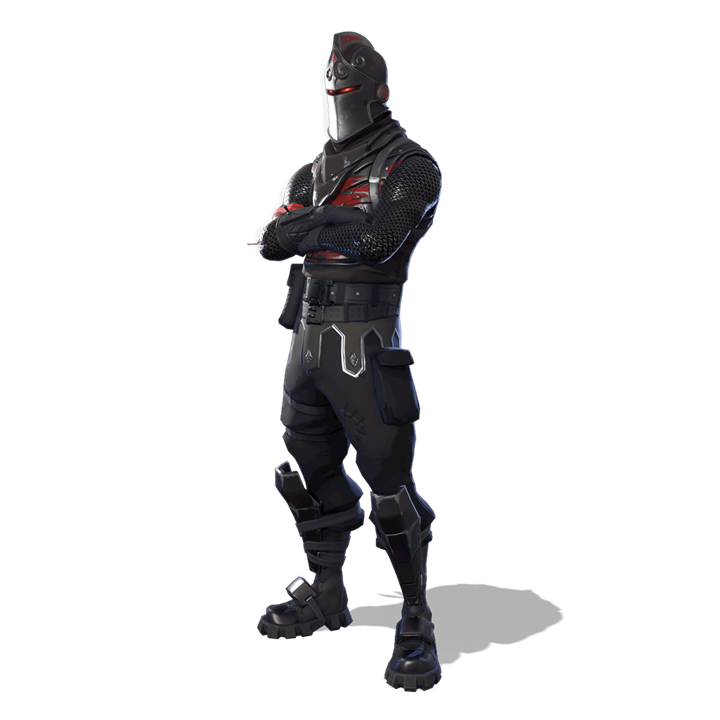
Hestia currently runs Chapter 1, Season 2 (v1.11): the original island, the Black Knight Battle Pass and the classic loot pool.
Will Hestia move on to later updates?
Yes. We follow the original Fortnite timeline update by update, moving through v2.0, v2.1, v2.2 and onward in the order they first came out. You get to relive each update as it happened, instead of skipping straight to a later season.
Do I have to reinstall the game for every update?
No. The Hestia launcher has a built-in updater, much like the Epic Games Launcher. It updates the install you already have (for example from v1.11 to v2.1) instead of making you download a whole new build each time.
Safety & Antivirus
Is Hestia a virus?
No. You may get an antivirus warning about a program called Nexon.exe. Nexon is Hestia's anti-cheat.
Nexon isn't certified by Microsoft yet. To catch cheaters, anti-cheat software has to watch the game closely, and an uncertified program doing that looks suspicious to automated scanners. The result is false positives with generic names such as Trojan:Win32/Wacatac.
Only ever download Hestia from our official links. If you got the launcher or game files from anywhere else, delete them.
My antivirus removed Nexon.exe. What should I do?
Hestia can't run without its anti-cheat. If you downloaded Hestia from an official link, you can restore it in Windows Security:
- Open Windows Security and go to Virus & threat protection.
- Click Protection history and find the entry for
Nexon.exe. - Open Actions and choose Restore.
If you use a different antivirus, look for its quarantine section and restore the file from there.
The launcher has a few detections on VirusTotal. Does that mean it's a virus?
No. It helps to know how VirusTotal works:
- It isn't one scanner. VirusTotal runs your file through around 70 different antivirus engines and simply lists what each one says. VirusTotal itself doesn't decide whether a file is safe.
- Engines guess. Many engines don't only match known malware; they use heuristics and machine learning to flag files that just look unusual. New, uncertified programs that few people have downloaded yet, like private game launchers and anti-cheats, trip these checks all the time.
- Look at the numbers and names. A handful of detections out of about 70, usually from smaller engines with generic labels like
Wacatac,Generic,SuspiciousorML, is a classic false positive. - Real malware looks different. Genuinely harmful files are normally flagged by a large share of engines, including the major ones, under a specific malware family name.
So 4 detections out of roughly 70 means a few engines were cautious about new, uncertified software. It doesn't mean the launcher is a virus.
Price & Donations
Is Hestia free?
Yes. Hestia is free-to-play, and you never have to buy anything to play.
Can I donate, and can I get a refund?
Donations are completely optional and help keep Hestia running. They never decide whether you can play.
Refunds are not given under any circumstances. Please only donate what you're comfortable giving.
Account & Playing
Do I need an Epic Games account or to own Fortnite?
No. Your Hestia account is linked to your Discord account, and you sign in with Discord on the website and in the launcher. Hestia is a fan project and isn't affiliated with Epic Games.
What do I need to run Hestia?
A 64-bit Windows 10 or 11 PC. Hestia isn't available on consoles, mobile or Mac.
As a guide, these were the original Season 2 requirements:
| Minimum | Recommended | |
|---|---|---|
| Graphics | Intel HD 4000 | Nvidia GTX 660 / AMD Radeon HD 7870 |
| Processor | Core i3 2.4 GHz | Core i5 2.8 GHz |
| Memory | 4 GB RAM | 8 GB RAM |
Can I change my display name?
Yes, once every 2 weeks, from your account page or from the launcher. A change in one place counts for both. Names can be up to 32 characters and can't contain offensive language.
What happens if I cheat?
Hestia runs its own anti-cheat, Nexon, and cheating gets your account banned. Keep it fair. Everyone's here to relive the same season.
Where can I get help or report a bug?
Ask in our Discord server. To get it sorted quickly, include:
- your PC specs and Windows version,
- what you were doing when it happened,
- the exact error message, or a screenshot.
Ready to drop in?
Hestia is free. Grab the launcher, sign in with Discord and install the game.
Download Now